
In anticipation of phasing out the Dashboards tab over the summer, OnDataSuite has pushed out new dashboard tabs under My Dashboards for all users.
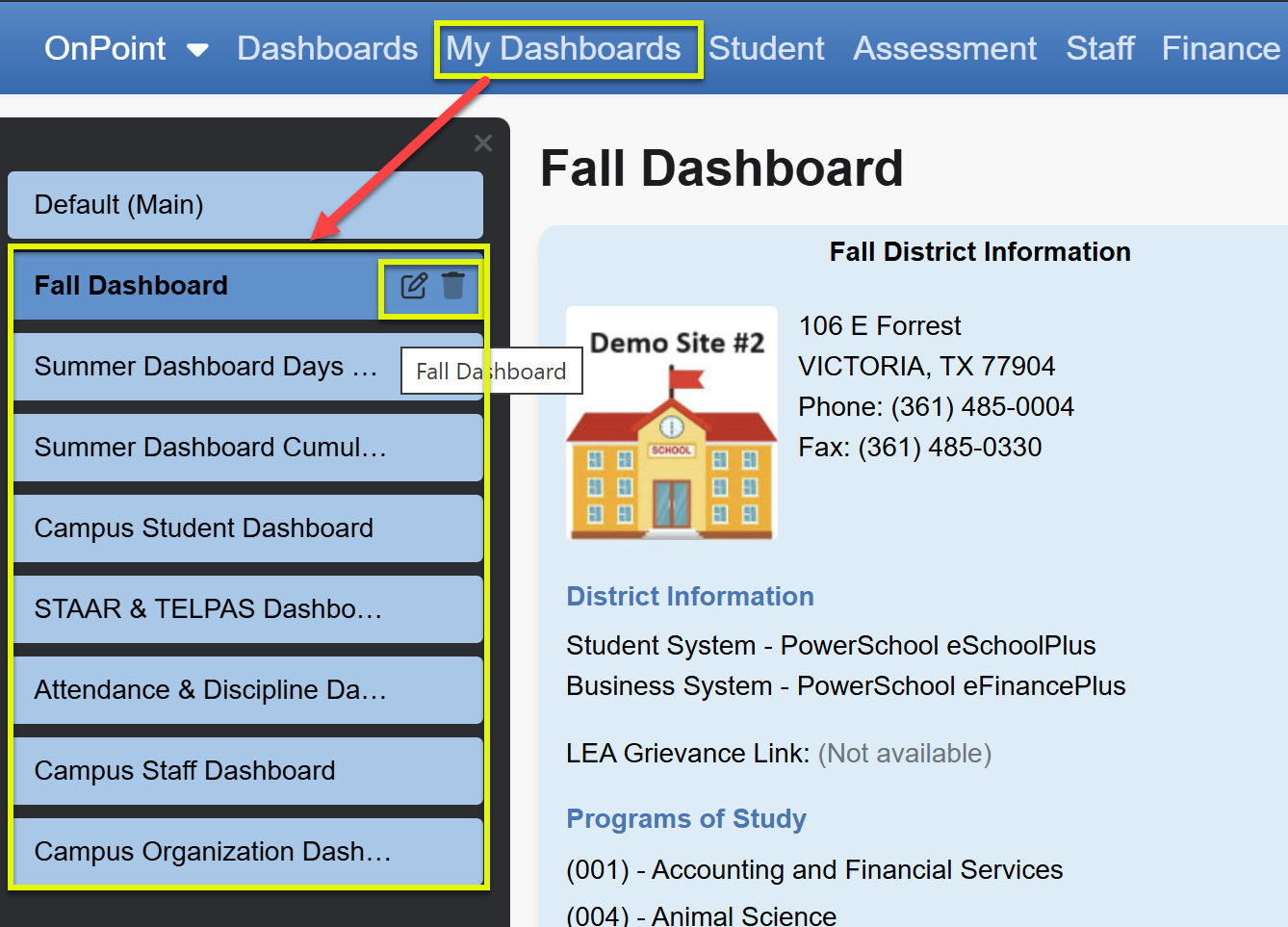
Use the Edit or Delete button to make changes including colors, icons, and global settings where you can select specific campuses, a particular year, or a focus list to apply to all widgets on the space.